Checked v0.7.10 · patch notes through 0.7.10 · 21 Oct 2026
PokéBonk Not Loading or Lagging?
Start with the game’s own graphical settings and the official maintenance status. The checks below come from the client and its patch notes, not a controlled device benchmark or a reproduced crash. There is no unofficial repair download to install.
Turn effects down first
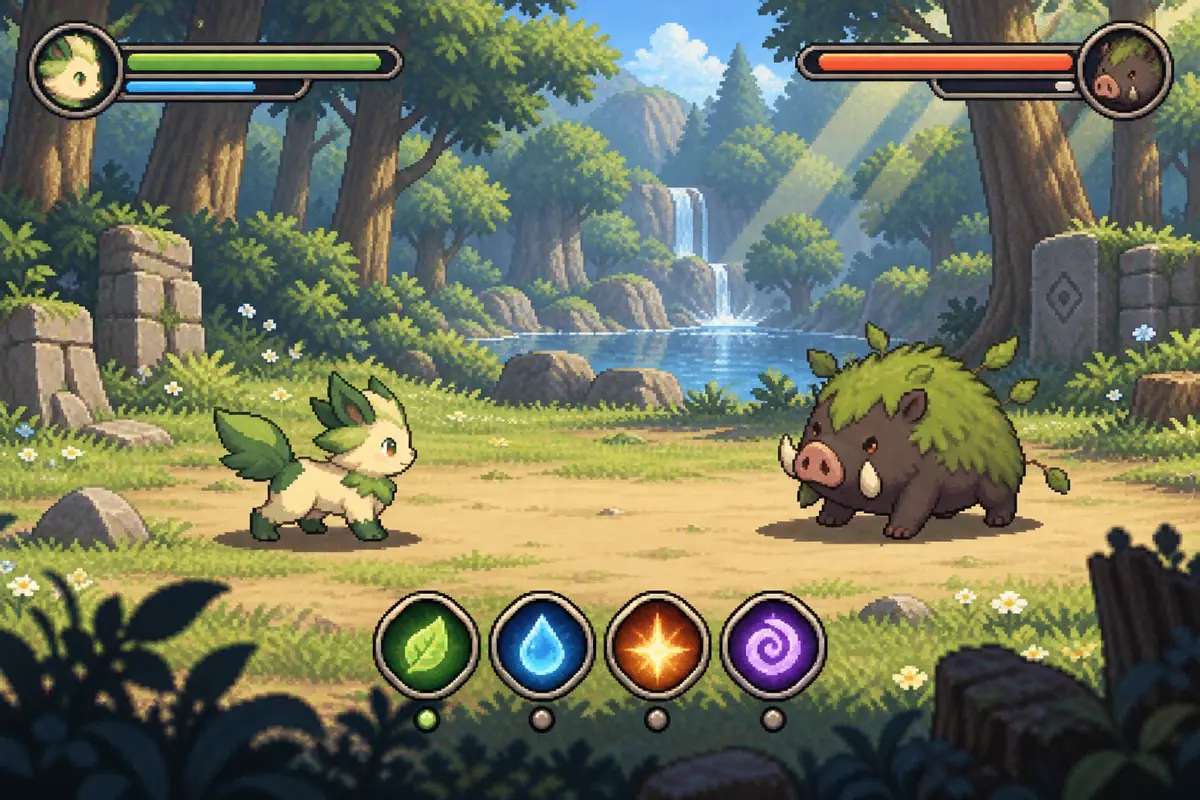
The notes for 0.5.7 and the 0.6 line mention a setting to hide your own attacks, a particle cap, and camera distance. Version 0.6.4 adds a way to hide corner items under Settings, Interface. On a laptop fan that is already loud, those are the first three things I would change before I blame the connection.
On a phone, the 0.6.0 notes say the battery-saver mode no longer flashes the first screen, and 0.5.7 says the joystick and camera were tightened. Keep the phone in landscape. The manifest asks for that orientation.
Sound, refresh, and lost runs
Safari used to drop audio when you left the tab. The 0.6.4 notes say that return-to-window bug was fixed. If it happens on 0.7.10, reload the page. I will not claim a second fix I have not seen.
From 0.5.7, closing the browser, refreshing, or losing the network is supposed to restore the run, including a shiny you already caught. A Pokémon that first appears as a Poké Ball is a loading placeholder from that same set of notes, not a deleted monster.
Maintenance versus a broken GPU
I read api.pokebonk.com/status on 21 October 2026. maintenance.on was false that day. If the flag is true, you are waiting on the author, not on your drivers. The 0.5.5 notes say a run finished during maintenance is no longer marked abnormal.
If the page says you need WebGL and the canvas never appears, the browser or GPU is blocking WebGL2. Update the browser, disable a hardware-acceleration blocker, and try another browser. I do not have an official minimum frame-rate. The honest requirement is a current browser that can run WebGL.
Frequently asked questions
Why does Chrome pause my other audio?
The checked client sources do not establish a single cause or a switch that guarantees simultaneous audio. Compare the game’s sound settings and your system audio settings; do not assume this symptom proves an intentional game restriction.
The first Pokémon is a ball. Is my save broken?
The 0.5.7 notes describe that ball as a loading placeholder, with a loading bar after updates.
Sources checked 2026-10-21
- PokéBonk status API · accessed 2026-10-21
- PokéBonk legal page (Charcher) · accessed 2026-10-21
- PokéBonk web app manifest · accessed 2026-10-21
- PokéBonk version.json · accessed 2026-10-21
- PokéBonk official client: mechanics, controls and season rules (v0.7.10, mvgy3iyx) · accessed 2026-10-21
- PokéBonk official Spanish patch notes: v0.5.0–v0.7.10 (mvgy3iyx) · accessed 2026-10-21